Partner Fleet

IN-APP MARKETPLACE

Drive integration adoption inside your product

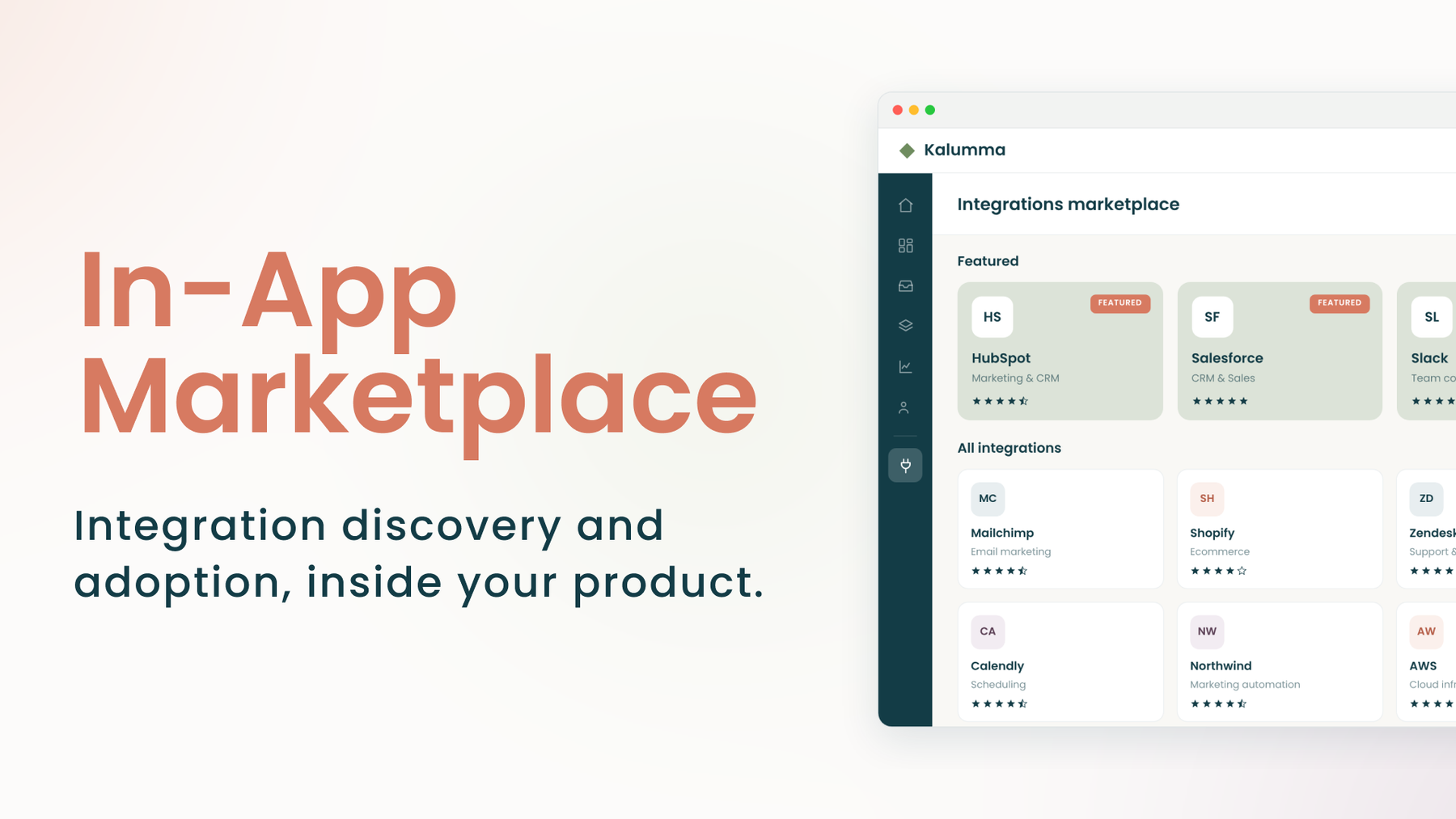
Help customers discover, evaluate, and activate the right integrations where they already work, without custom-building a marketplace experience from scratch.
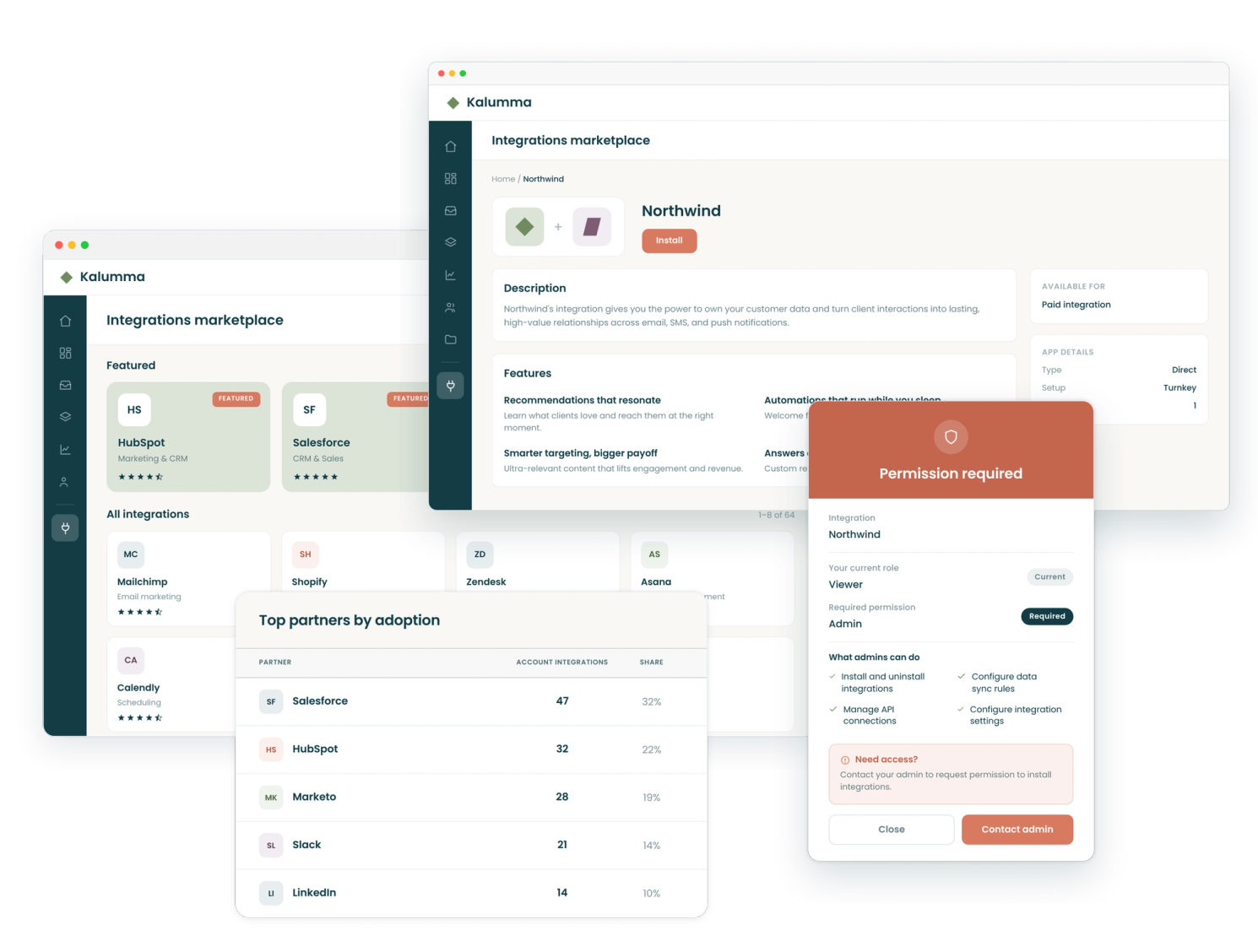
collage of Partner Fleet product screenshots

THE CHALLENGE

Most in-app integration marketplaces fail to drive adoption

You have integrations, but you don’t have an experience that moves customers to install them. Homegrown integration pages are often hard to navigate, present the same for every user, and are missing the context customers need to understand why an integration is worth installing.

Behind the scenes, it’s just as frustrating. Every update is an engineering ticket. Listings fall out of date. There’s no analytics to show which integrations are working or why. And without that data, it’s nearly impossible to make the case internally that any of it is worth investing in.

THE 60-SECOND TOUR

See the In-App Marketplace in action

In-App Demo Video - YouTube Thumbnail

The Solution

What a high-performing in-app integration marketplace should do

User Permissions List

Show users the integrations that are relevant to them

Partner Fleet’s In-App Marketplace reads user context, like tier, role, or region, and surfaces different integrations for each user. A free-tier user sees a different view than an enterprise admin. When the list is relevant, install rates climb.
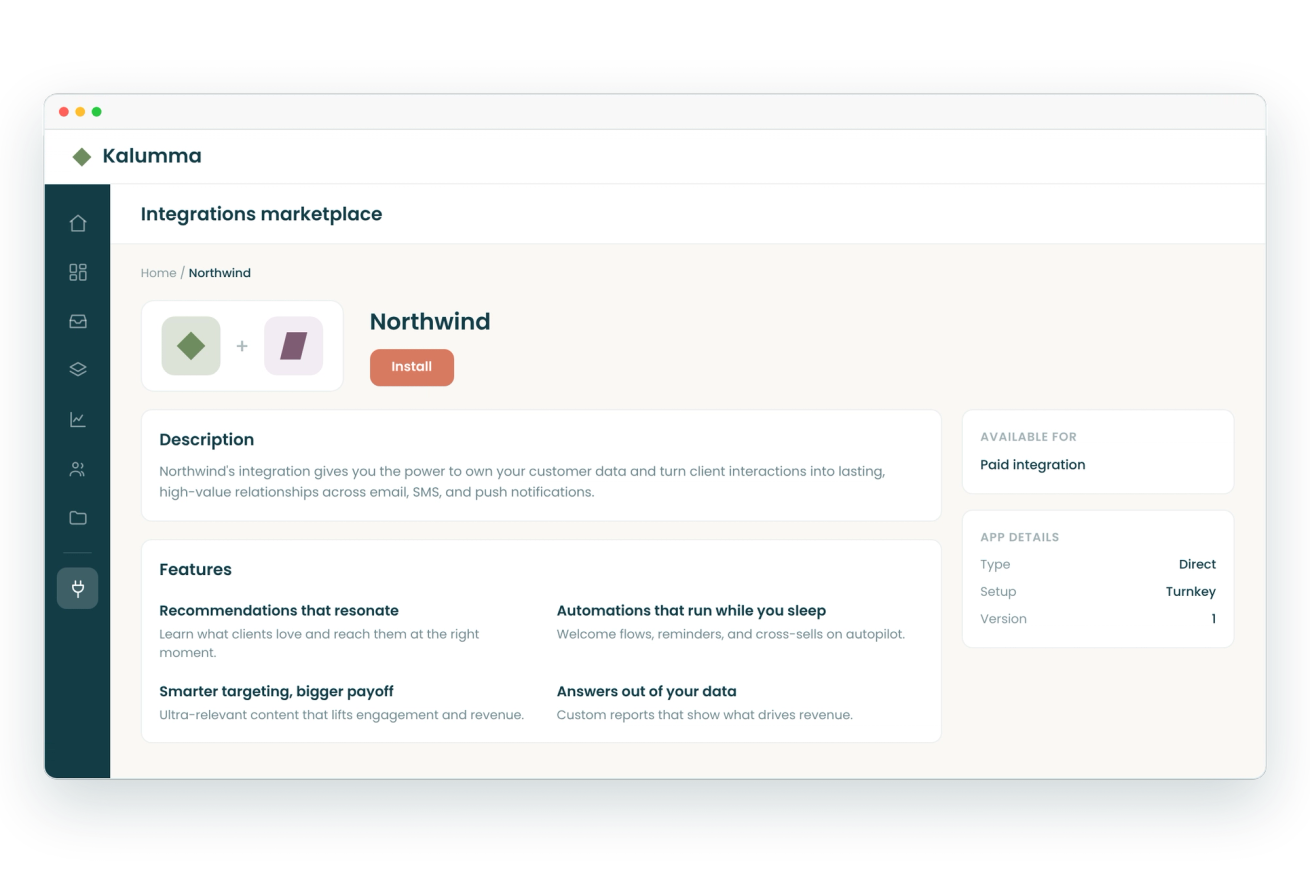
Branded Integrations Marketplace

Help customers decide if an integration is right for them, before they install

Instead of a name and a logo, each integration listing carries enough context for a customer to evaluate it, decide, and act without ever leaving your product.

Upgrade prompt

Drive upsells with gated integrations

When a customer on a lower plan clicks into a premium integration, they see an upgrade prompt tied directly to the solution they need. It’s a conversion moment that comes built in, not something you have to engineer separately.
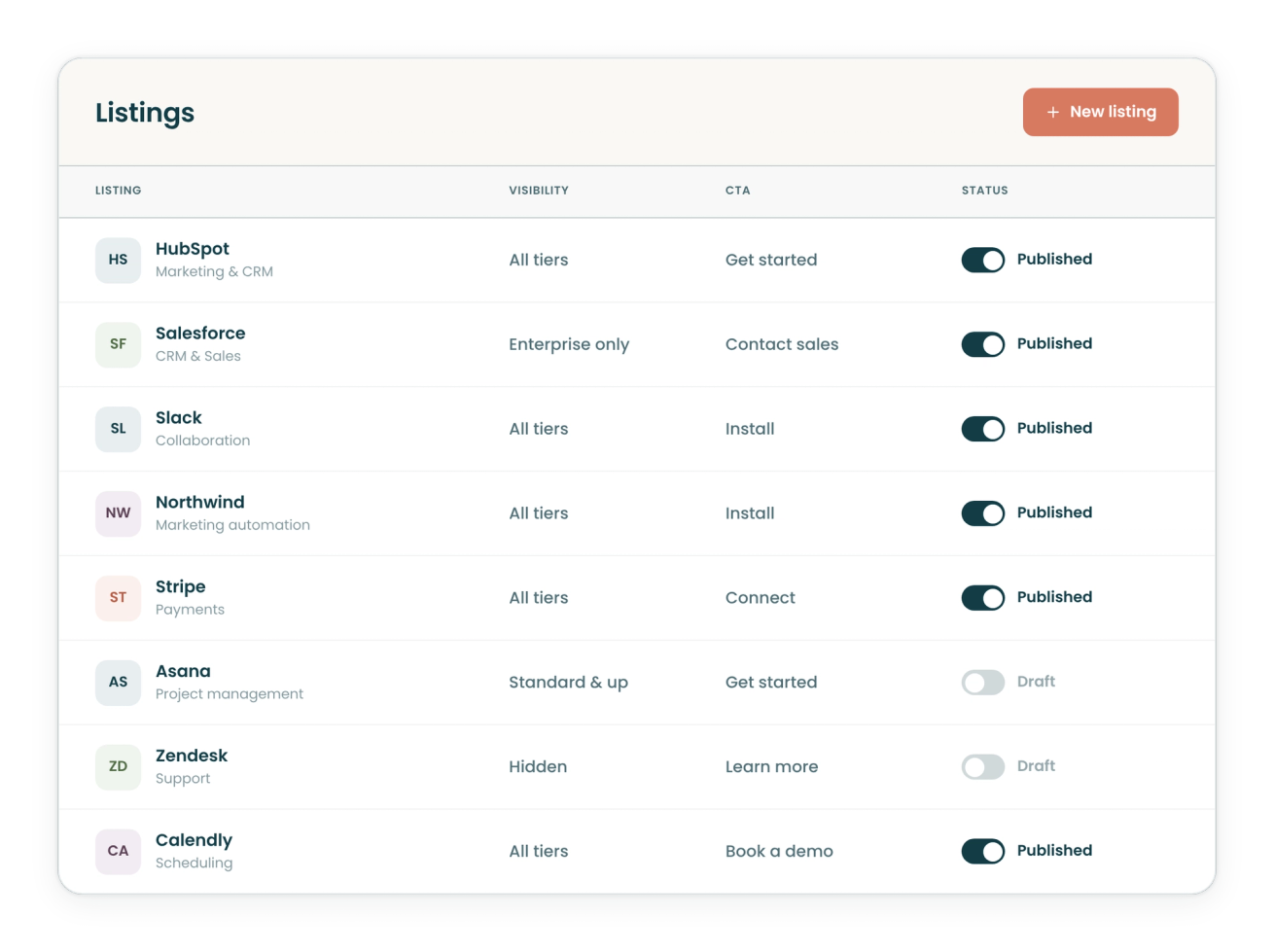
Table of which integrations are active

Remove engineering from day-to-day management

Engineering sets up the embed and hands it off. After that, your partnerships team manages listings, visibility rules, and CTAs. Changes that used to sit in a backlog get done the same day.

In-App Listings Dashboard

See the integrations driving retention and growth

Track installs, discovery rates, and ignored integrations at the account level, then connect that data to your CRM to see which integrations correlate with retention and expansion. You’ll know exactly which partnerships are worth investing in.

Featured in-app marketplace listings

Charge partners for participation and placement

Create a separate revenue line from your technology partners by charging for featured placement. Partners get visibility into listing views, installs, and active integrations so they can see what their investment is producing.

The value of integrations

What are more installs worth to you?

Every integration a customer turns on makes them less likely to churn. Use the calculator below to see how much ARR you could protect each year as your customers turn on more integrations.

Your numbers
Input your company's data below.
$
%
Assumptions

How many more integrations would each customer turn on if they could easily find and install the ones relevant to them?

Each integration a customer installs makes your product harder to leave. Five percent is a conservative floor you can raise.

%

THE PARTNER FLEET ECOSYSTEM OS

Partner Fleet's Ecosystem OS

The in-app marketplace is where integrations get adopted. The rest of the platform is how they get built, approved, and found.

Public Marketplace

Launch a branded, searchable directory of your integrations so customers and prospects can discover partners on their own.

Learn more

Developer Lifecycle Management

Take technology partners from application to approved, published integration with a governed workflow.

Learn more

The Full Platform

Launch marketplaces, embed integration discovery in your product, manage developer workflows, and measure the performance of your ecosystem from one platform.

Learn more

COMMON QUESTIONS

Frequently asked questions about in-app integration marketplaces

What is an in-app integration marketplace?
An in-app integration marketplace is embedded inside a SaaS product and helps customers discover and activate integrations without leaving the application. Unlike a public directory, it shows each user a different view based on their tier, role, and context. Product teams use it to drive adoption, create upgrade moments for lower-tier users, and track which integrations correlate with renewal.
How is this different from the integrations page we already have in our product?
Most in-product integration experiences were built by engineering and haven’t changed since. They show the same view to every user, can’t be updated without a code change, and give product teams no visibility into what customers do. Partner Fleet’s In-App Marketplace gives your business team control over listings and visibility rules, surfaces a personalized view per user, and shows adoption data you can act on without engineering.
How much engineering work does implementation take?
For most teams, the engineering work is 8 to 16 hours: a backend endpoint that passes user context, and a page in your product with a script tag. Teams without existing token-based authentication infrastructure should budget 24 to 40 hours. After setup, your partnerships or product team manages everything with no ongoing engineering required.
Can I show different integrations to different users or subscription tiers?
Yes. The marketplace reads the user context you pass at render time, including subscription plan, role, region, and custom attributes. You configure which integrations are visible to which users, which ones require an upgrade, and what a lower-tier user sees when they reach a gated integration. Visibility rules change without any code deployment.
Do the in-app and public marketplaces use the same content?
Yes. Both surfaces run from a single content backend. When you update a listing, the change appears in both the public marketplace and the in-app marketplace at the same time. You configure independent branding and visibility rules for each surface, but the underlying content is managed in one place with no duplication.

Get Started

Ready to turn your integrations into a retention lever?